
Devast.io Script
22 hours ago
Free Updated Devast.io Script
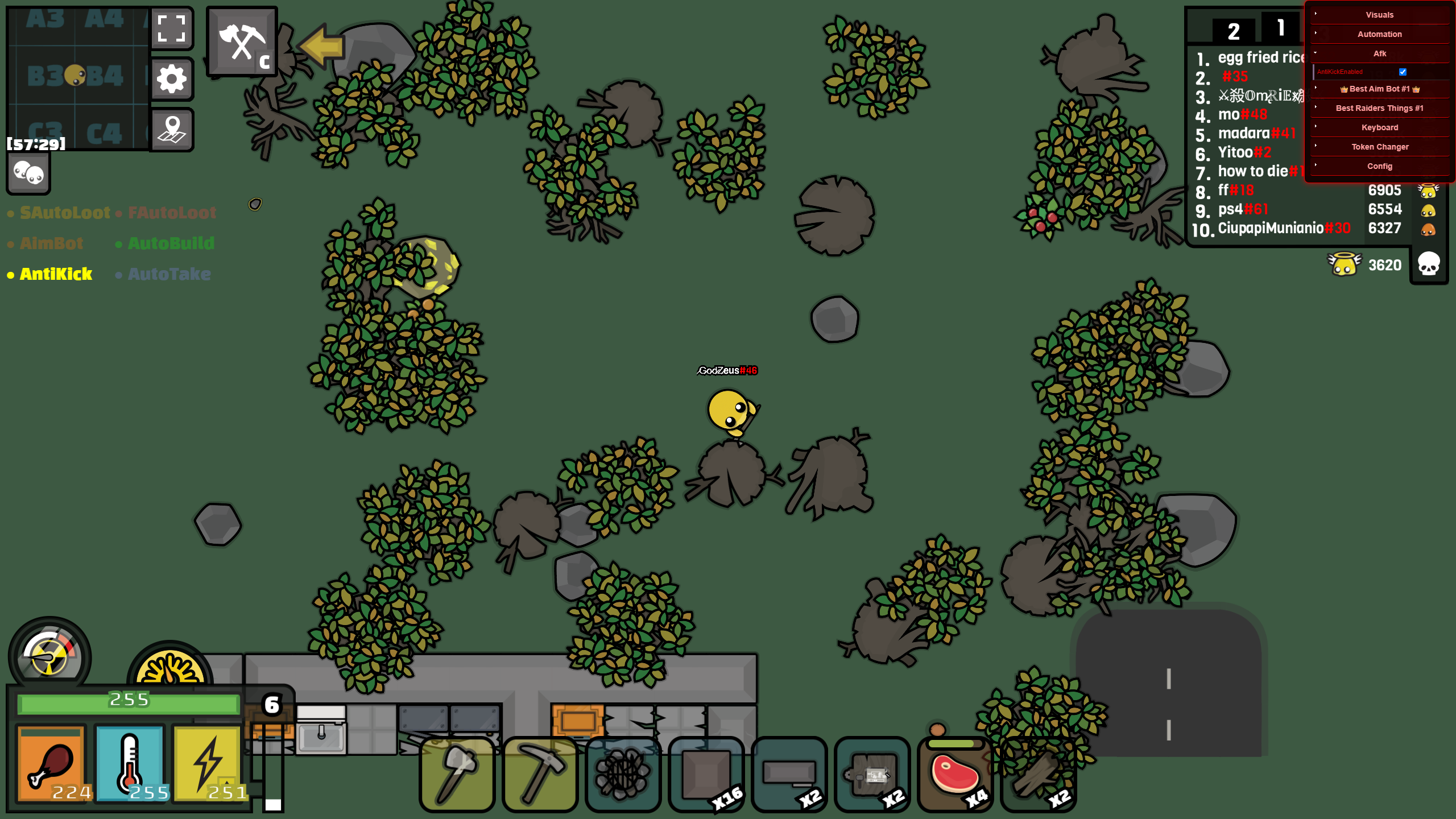
Download:
Devast.io Script.zipAction required to download
How to Load Your Custom Devast.io Script
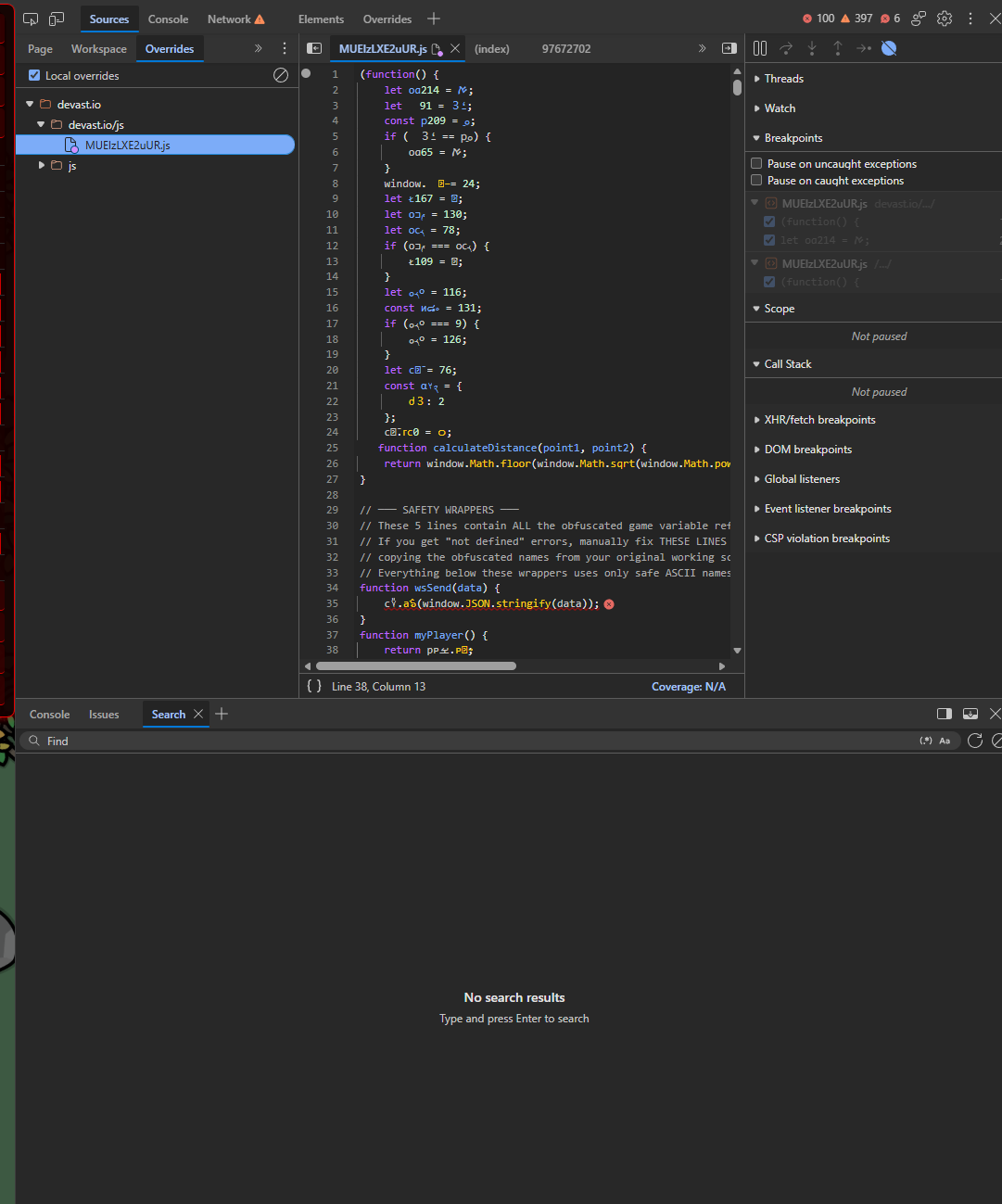
Step 1: Open Developer Tools
Right-click anywhere on the Devast.io webpage and select Inspect (or press F12). Once the panel opens, click on the Sources tab at the top.
Step 2: Locate the Original Game Script
In the file tree on the left side of the Sources tab, look for the js folder. Inside, find the main JavaScript file for the game. It usually has a randomized name, for example, MUElzLXE2uUR.js.
Step 3: Set Up Local Overrides
Right-click that .js file and select Override content. Your browser will prompt you to select a local folder on your computer to store these overrides. Create or choose a folder.
Note: You may need to click Allow at the top of your browser window to grant it permission. The browser will automatically save a copy of the original game file into that folder.
Step 4: Swap the Scripts
Open the local folder you just selected on your computer. Find the copy of the original script that was just saved there (e.g., MUElzLXE2uUR.js). Copy its exact filename, and then delete the file.
Next, move your custom devastio_script.js file into this folder. Rename your custom script to match the exact name of the original file you just deleted.
Step 5: Refresh and Play
Go back to your browser and refresh the Devast.io webpage. The game will now load your custom script from your local folder instead of fetching the original one from the server.